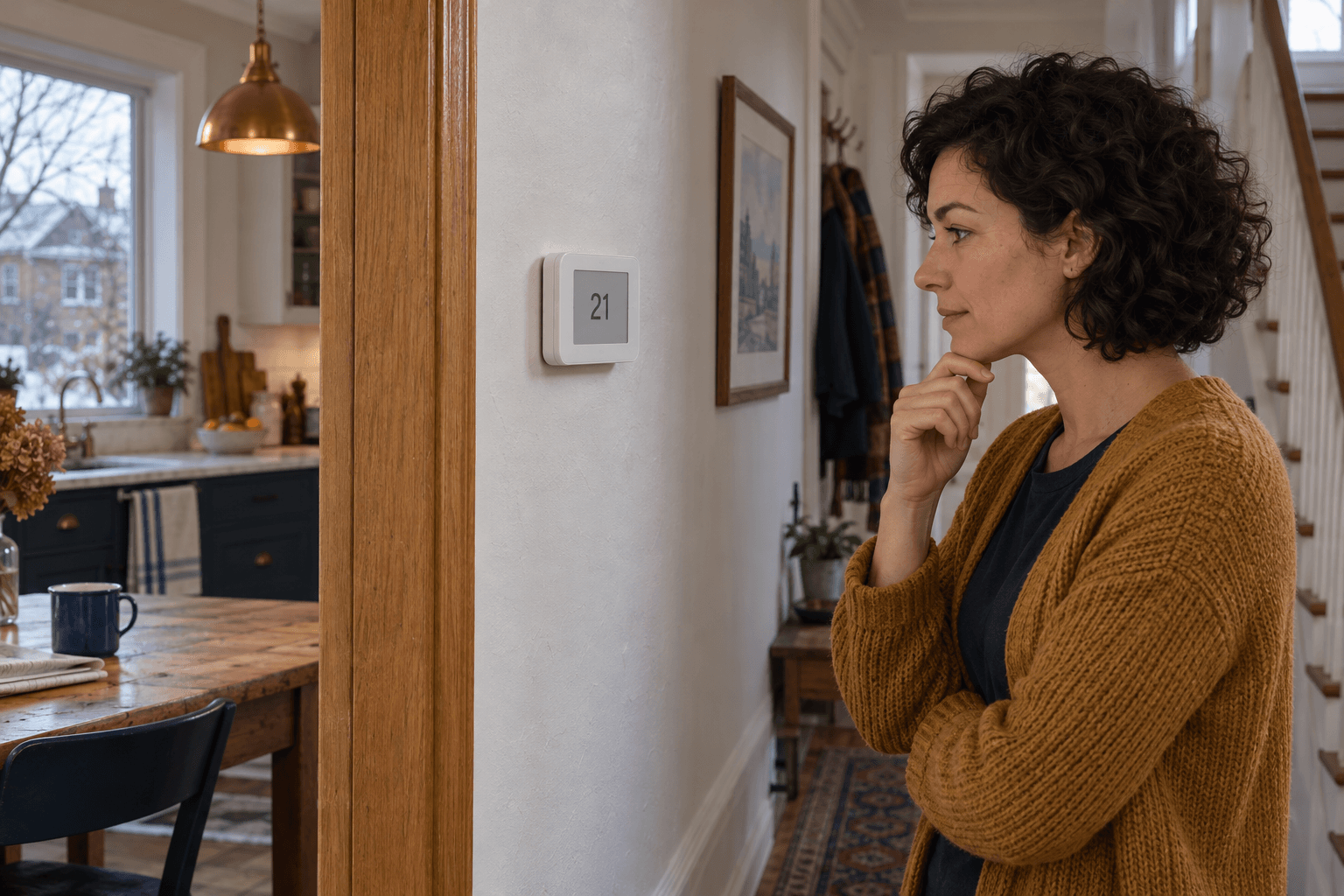
I had changed the temperature for guests on Saturday. By Tuesday, the house was still following Saturday's decision. The schedule remained visible in the app, neatly arranged and apparently irrelevant.
The small word 'Hold' on the display explained more than the entire schedule screen. I had changed the current target without choosing when normal operation should resume.
A temporary adjustment needs an ending
Source: ecobee: thermostat holds
Thermostat hold behaviour varies by model and configuration. The ecobee guidance, for example, distinguishes holds from the normal schedule and explains how to cancel a hold to resume scheduled operation.
Some controls can hold until the next scheduled period; others offer a duration or an indefinite hold. Check the current model instructions rather than assuming the next morning will reset everything.
I cancelled the hold using the supported control and checked the next scheduled transition. I did not erase and recreate the schedule.
Find the thing making the new request
If a hold returns unexpectedly, check vacation settings and any connected app, voice assistant or household automation that can change temperature. Another person with account access may also be making an ordinary adjustment.
We reviewed those possibilities together. I wanted a shared routine, not a thermostat investigation that turned into a disagreement about who touched it last.
I also checked the clock and time zone. A correct schedule at the wrong time can look like an override problem.
For our household, the simplest choice was a hold that ended at a clearly understood point. Longer absences used the dedicated vacation function with its dates checked.
The schedule had never vanished. Once we understood what could override it and for how long, small comfort adjustments stopped turning into several days of accidental settings.