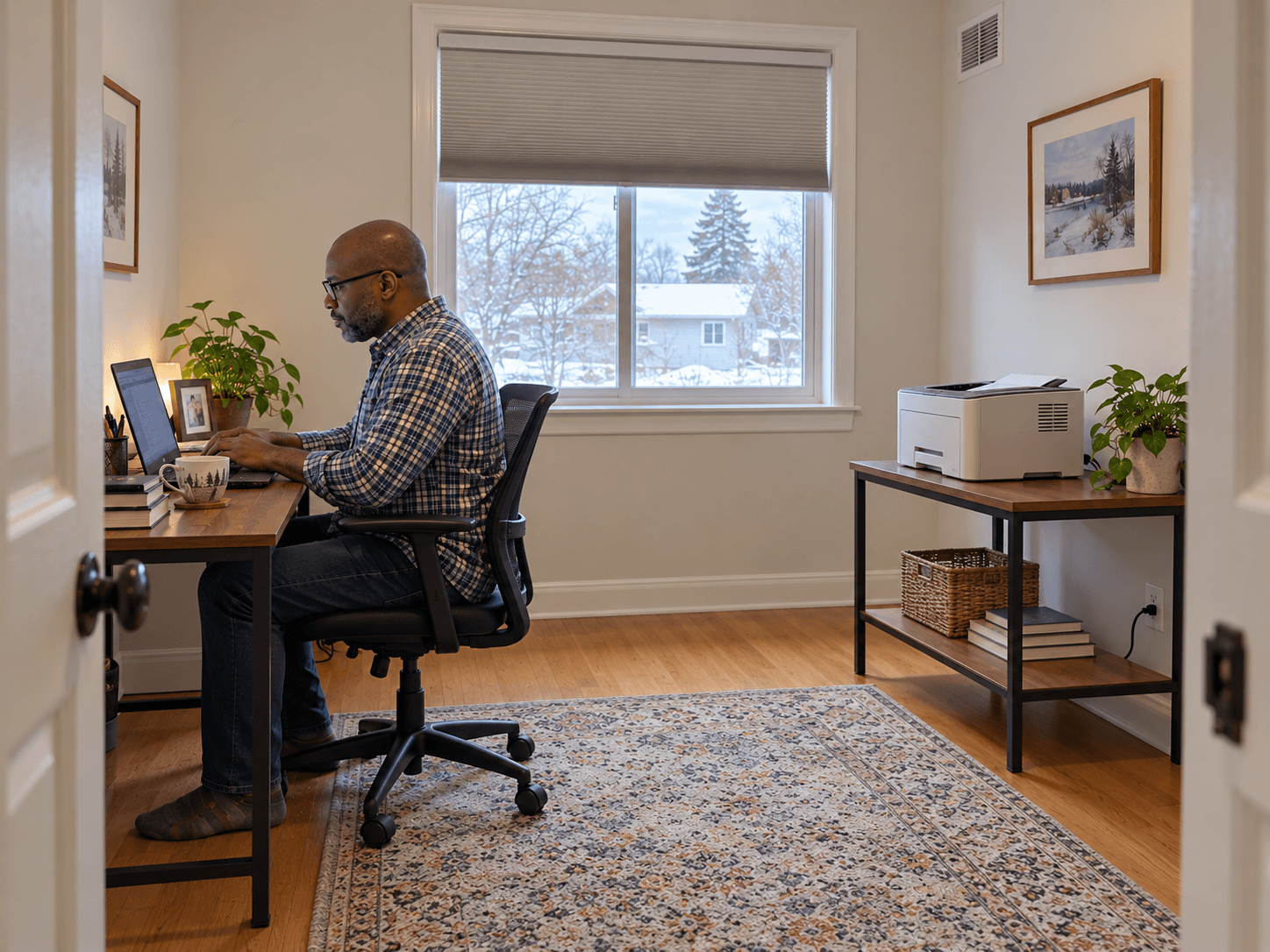
A printer that produces a few pages occasionally has a different daily routine from one running beside you for hours. If your home office has become the household print shop, review its location as well as its paper supply.
Separate frequent printing from the place you sit
CCOHS identifies printing and copying equipment among potential indoor sources of volatile organic compounds. Its guidance concerns workplaces, but the practical source-control question also helps at home: can frequently used equipment be located away from the occupied desk, in a suitably ventilated space?
Start by checking the exact printer's installation and safety guide. Allow the required room conditions and clearances. A separate open table can be more useful than the narrow shelf immediately beside your face.
Do not move the printer into an unventilated cupboard simply to get it farther away. A room with a closed door also needs a suitable air path; distance alone does not provide ventilation.
An occasional print job is not, by itself, evidence of an indoor-air problem. Match the review to actual use. Note long runs, unusual odours, excessive heat or a change after replacing consumables.
Keep appliance cooling and room ventilation distinct
Source: Brother Canada: printer cooling and placement guidance
The slots in the printer housing help the machine manage heat. They do not replace fresh-air ventilation for the room. Keep books, paper stacks and storage bins away from the openings.
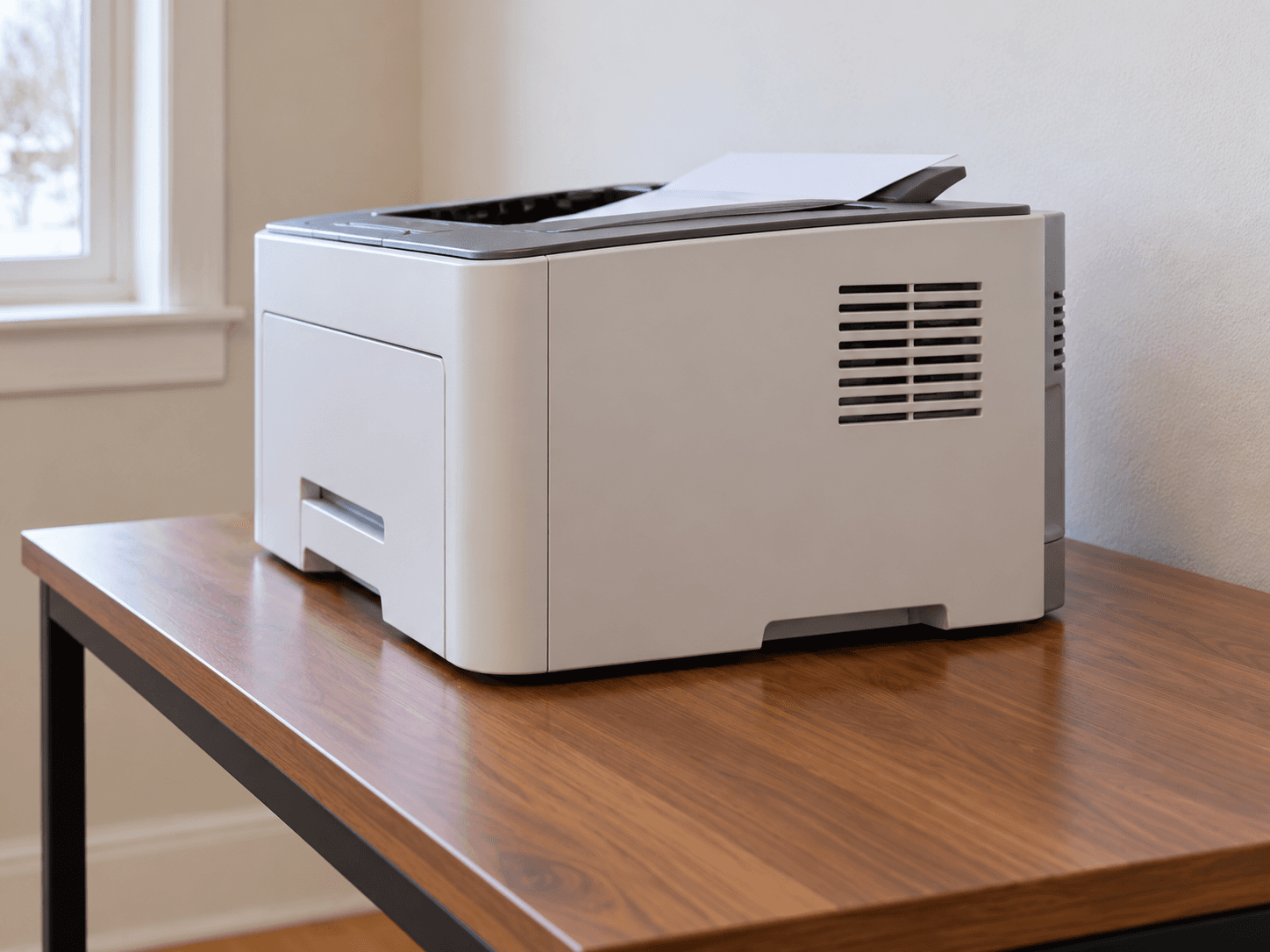
Brother's guidance for listed monochrome laser models explains that cooling fans can continue after printing. That is a reason to check normal model behaviour before treating every running fan as a fault. Follow your own model's instructions rather than adopting another printer's timing or clearance.
Keep the room's supply and return grilles clear too. If you close the office door for calls, assess ventilation in that normal working arrangement.
Handle supplies as the manufacturer directs
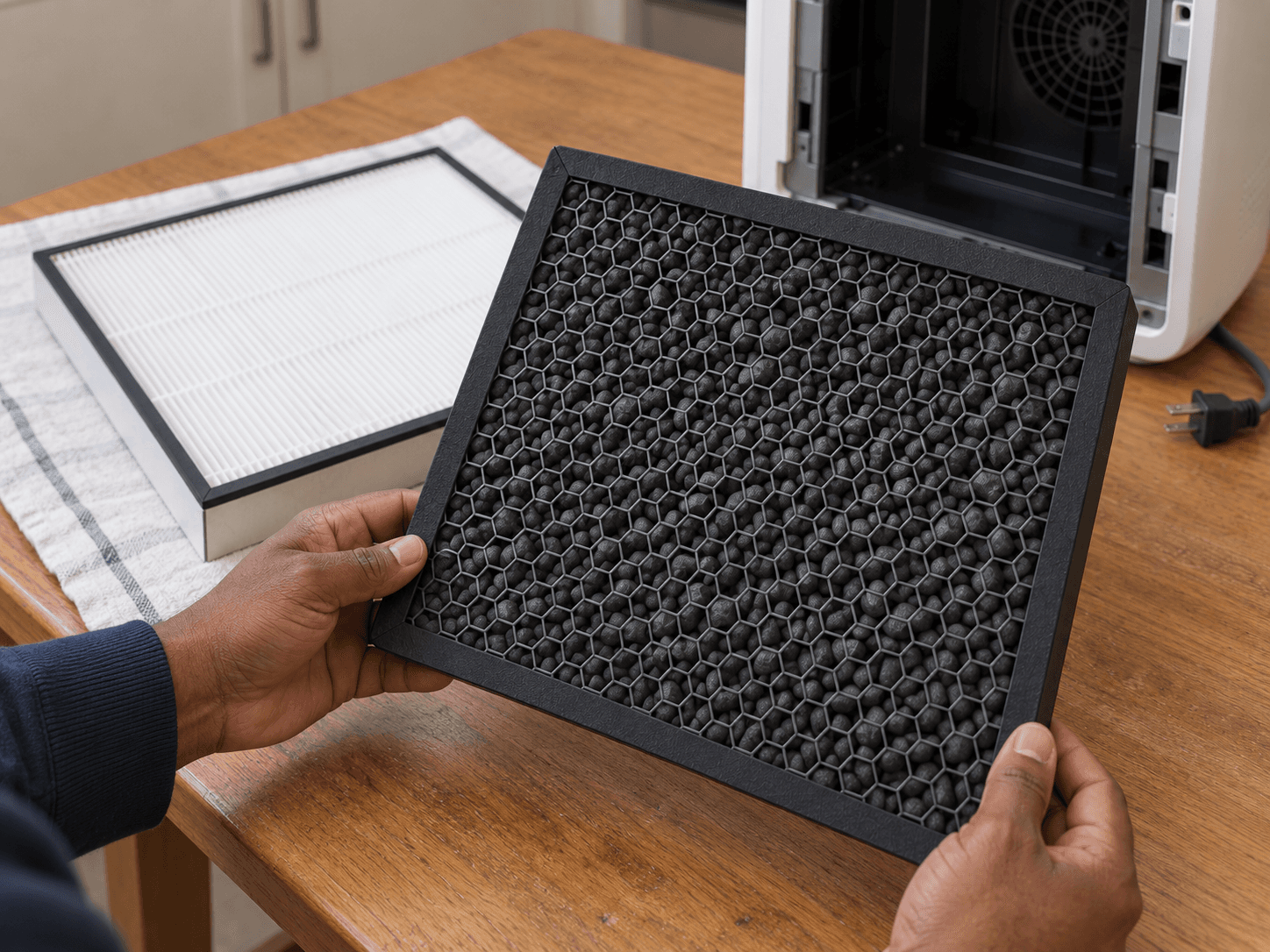
Use suitable consumables and the stated cartridge-change procedure. Keep toner and ink contained; follow the manufacturer's spill instructions rather than improvising with compressed air or an ordinary vacuum.
If odour or irritation repeatedly accompanies printing, stop the activity and review the equipment, consumables and ventilation. Ask the manufacturer about the exact model and describe the workload. Seek medical advice for symptoms.
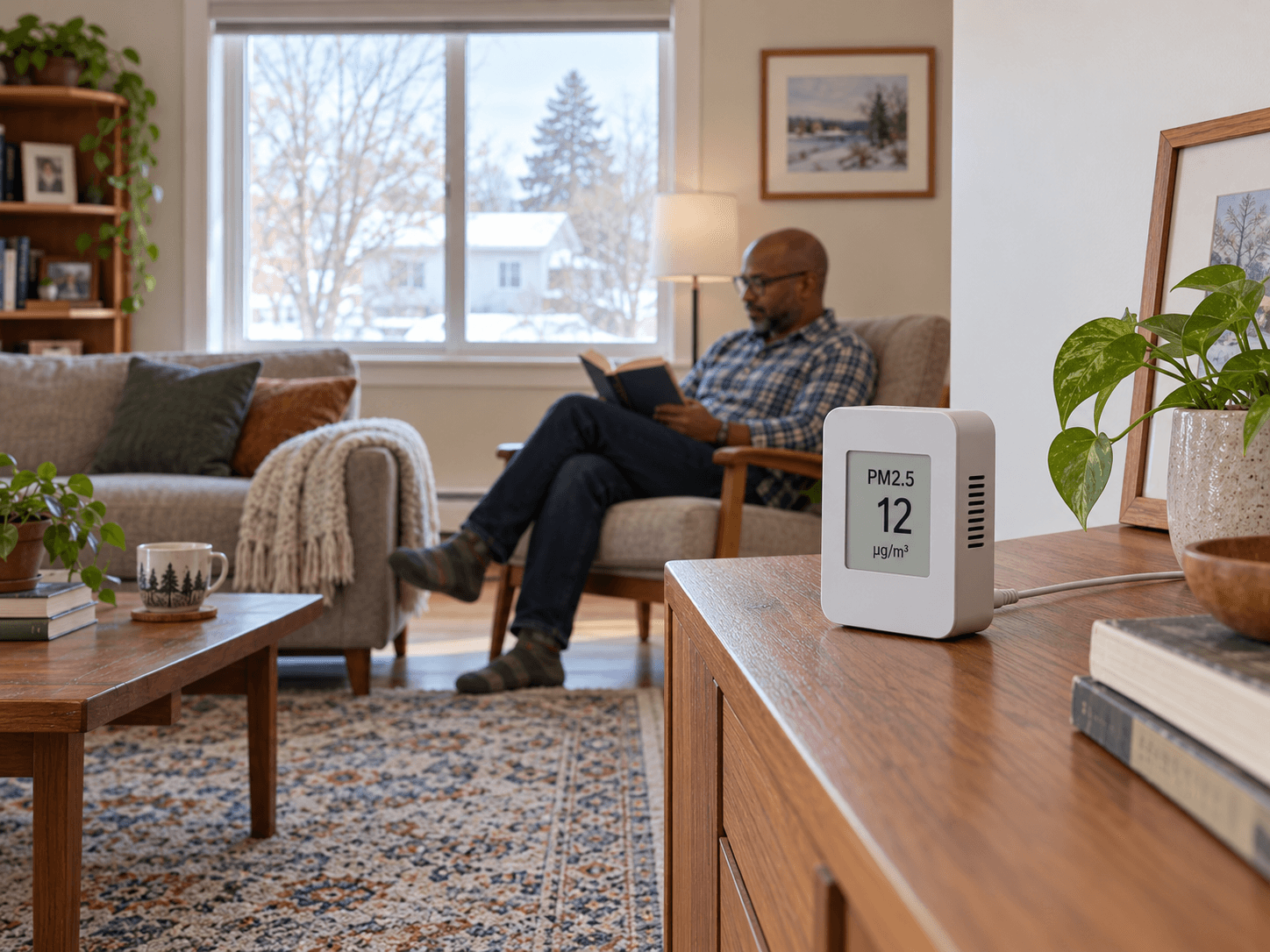
A particle monitor can help record some changes, but it does not measure every possible printer emission. Avoid using a low PM2.5 value as a complete assessment.
For an office upgrade, include the printer in the layout early. A stable table, accessible supply storage, clear vents and a sensible distance from the chair are easier to arrange before the room fills up.