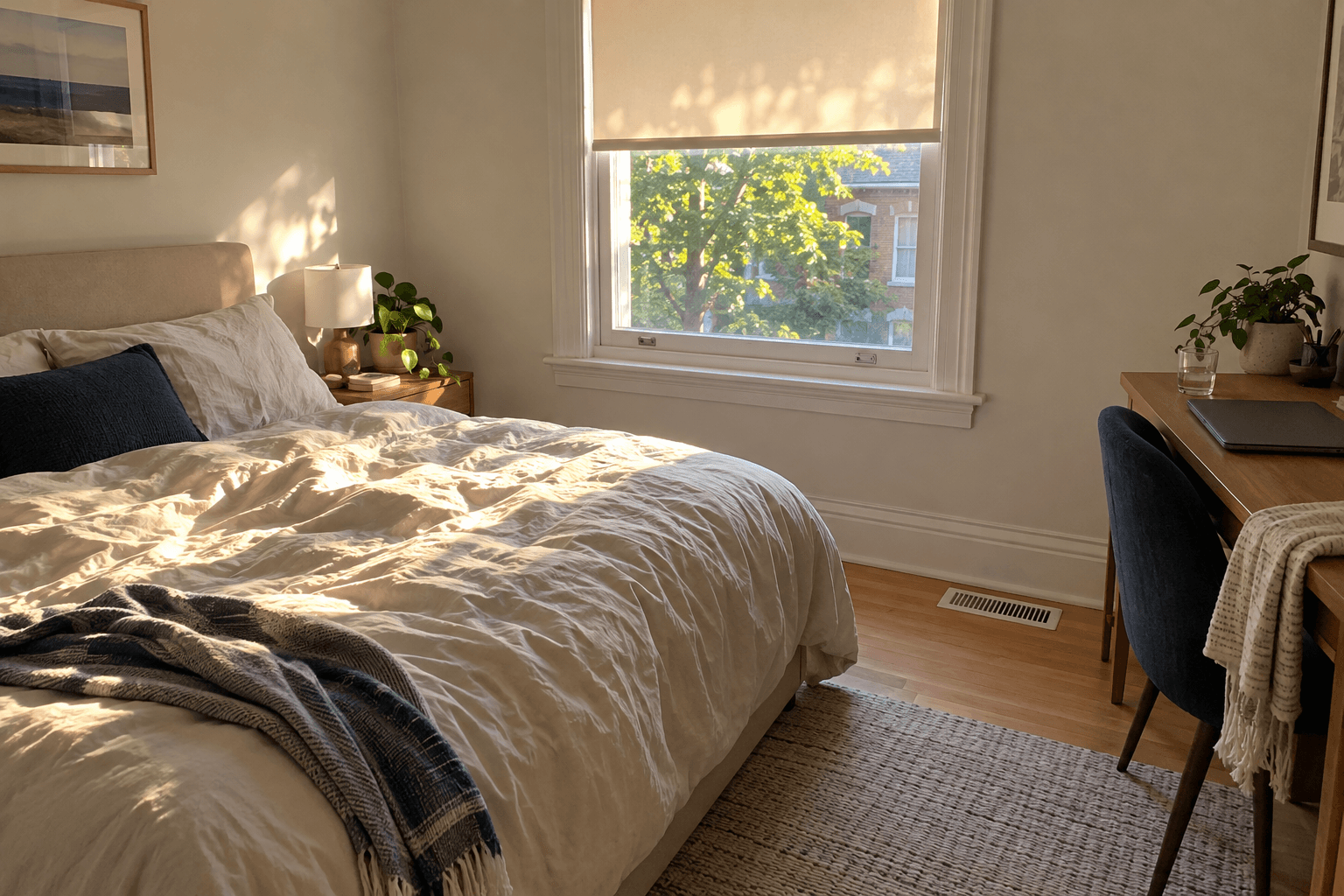
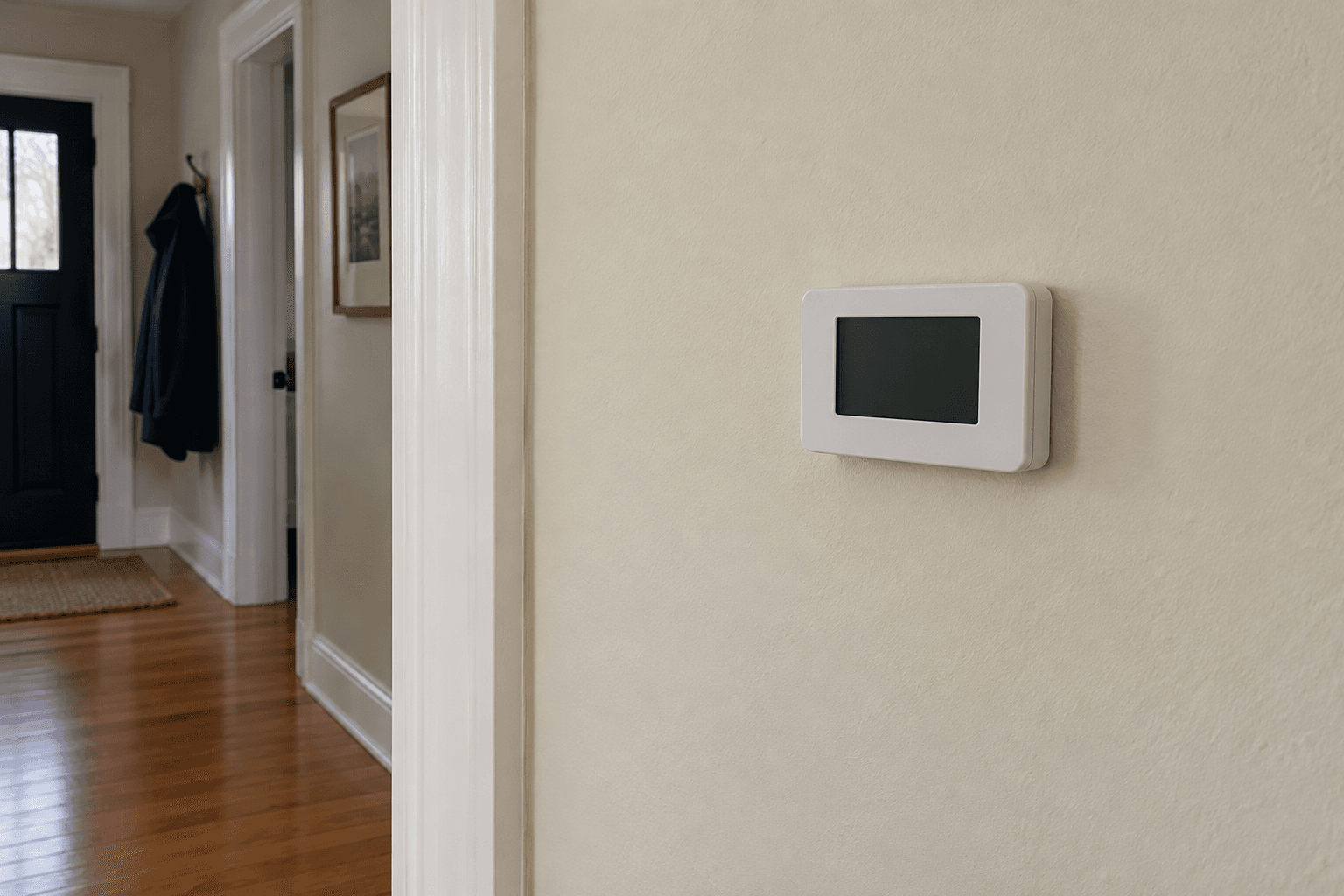
The bedroom sensor appeared in the app with a sensible temperature. Yet the thermostat still seemed to respond mainly to the hallway. I had assumed that pairing the device automatically made the bedroom the priority at night.
The missing step was in the comfort settings. The sensor could report a reading without participating in the setting currently controlling the system.
Check which readings the control uses
Source: ecobee: sensor participation
Ecobee's sensor-participation guidance explains that selected sensor readings contribute to the temperature used by a comfort setting. The participating group can differ between Home, Away, Sleep and supported custom settings.
Other manufacturers organize this differently. The useful question is the same: which sensor or combination is controlling the system right now?
I checked our active setting, any hold and the sensor selections. I also reviewed occupancy-related options instead of assuming that every feature called 'smart' would choose the same room I had in mind.
Prioritizing a room changes the whole call
In our single-zone ducted system, asking the control to satisfy the bedroom still operated the shared heating and cooling equipment. It did not create a separate bedroom zone.
If the bedroom had poor airflow, giving it more influence could make other rooms uncomfortable while the system kept running. We checked the physical comfort problem alongside the control settings.
We tried a clear nighttime participation plan and watched the occupied rooms under similar conditions. We kept the original settings recorded so we could return to them if the change made things worse.
For us, the payoff was understanding what the displayed number represented. It was sometimes an average, not simply the temperature at the wall control.
The sensor had been working all along. Once its role matched our routine, we could decide whether the remaining room difference needed an airflow repair.