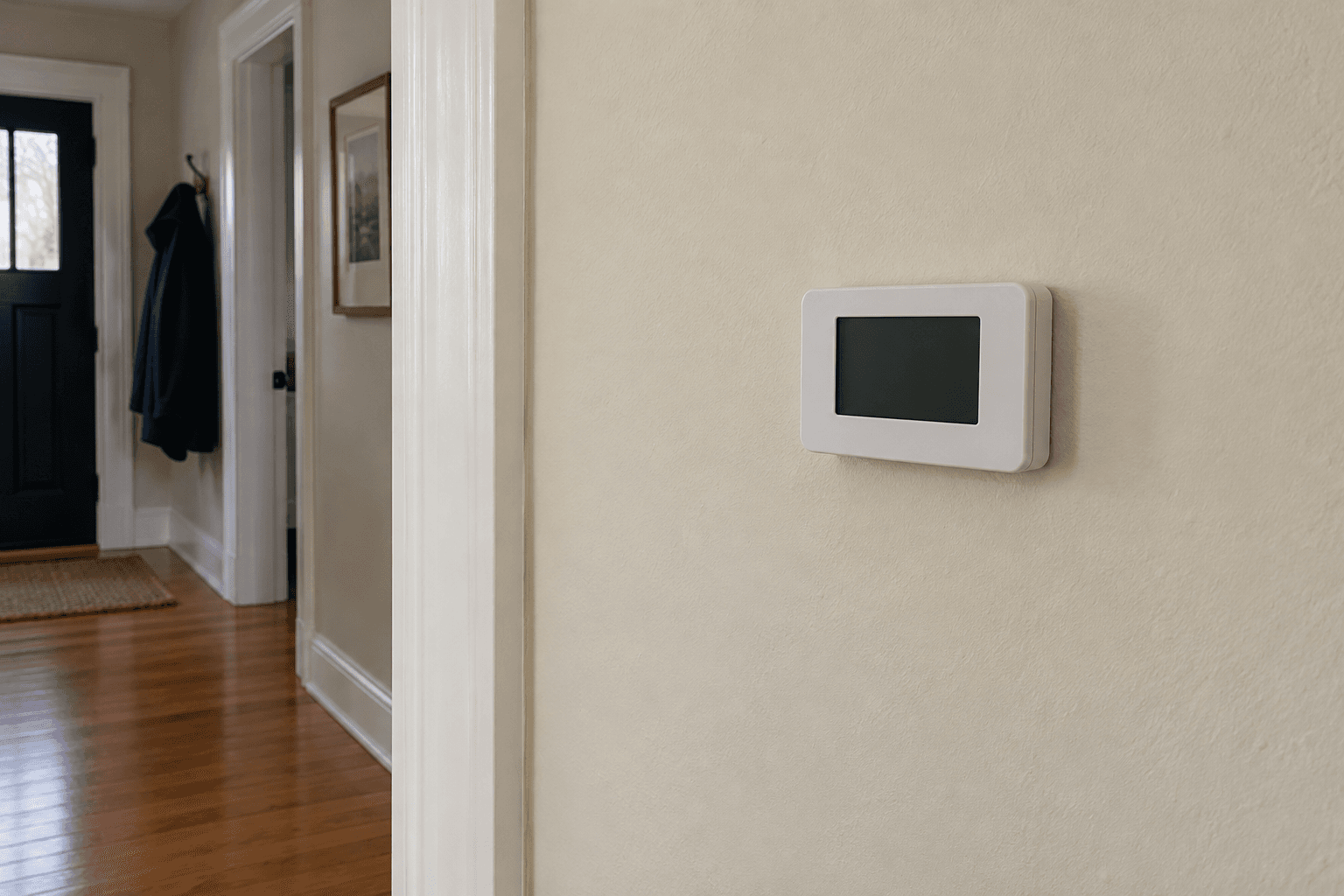
The useful first task was finding the exact thermostat model. Some displays sleep; some use replaceable batteries; others depend on power from the heating and cooling system.
Follow the model's troubleshooting sequence
Google's Nest guidance, for example, distinguishes different lights, battery states and power problems. Those instructions are model-specific. A generic internet instruction to recharge or replace batteries may not apply to the device on your wall.
If the manual provides an owner-accessible battery procedure, use the specified batteries and orientation. If there is a household power outage, the thermostat may be only one part of it.
I checked ordinary accessible controls and recorded any lights or error messages. I didn't bridge thermostat wires, bypass a switch or repeatedly reset a tripping breaker.
Separate the screen problem from the heating problem
- Screen wakes normally and the room is holding temperature: check the display settings in the owner guide before treating a sleeping screen as a failure.
- Screen stays dark but other household power is available: note the thermostat model, any status light and whether the HVAC equipment is operating. A powered room does not prove the thermostat has power.
- Screen stays dark and the house is losing heat: make the service request about lost heating as well as the display. Report the room conditions and any occupants who need warmth urgently.
Google's instructions separate Nest models with replaceable batteries from models with rechargeable batteries and different status lights. A method meant for one of those devices is not a general thermostat repair. Stop if the next step in the instructions is beyond an ordinary owner check or requires work on wiring.
I kept the app's last reading in perspective too. A previously displayed temperature was useful history, but it did not tell me what the room was doing now. The separate room thermometer and a clear account of the heating behaviour gave the service company a better picture.
Information that helps a service call
I noted when the screen stopped responding, whether heating or cooling still worked, and whether any electrical or HVAC work had just happened. Water near equipment, burning smells or other hazards changed the priority from troubleshooting a display to getting appropriate help.
A blank screen can be a symptom of a system power or safety problem. Replacing the wall control without checking that cause may leave the real fault untouched.
While waiting for service, we monitored indoor conditions and made a practical plan if heat could not be restored. A household with vulnerable occupants or freezing risks cannot rely on a dark thermostat eventually recovering.
The appointment request included the model, screen behaviour and room conditions. That was far more useful than simply asking for a new thermostat.